
A clear course page is a good start. Now follow the path to the booking summary. Today you will record one obstacle so another person can reproduce it and address it. Allow about 20 minutes. Your output is a short repair brief with a condition that can actually be checked.
The course-page test from Day 3 ends at the next booking step. Today you continue from there; you can also run this case without completing the earlier exercise.
Define one test case
Choose a course option, a date and a participant count. Record those details with the starting URL, device, browser and test date. Keep the selection consistent on your first pass. Changing several options at once makes it harder to tell which change produced the behaviour you observed.
Use a suitable test environment if a step already creates a reservation, message or booking. In a live journey, stop before such an action. You do not need to complete a purchase to document an unclear label or a contradictory summary. Do not enter someone else's personal data.
Observe transitions as well as individual pages
Follow the offer through the date or option selection to the last summary you can safely reach. At each transition, record what you expect and what appears. A useful note is: “After selecting two people, I expect the summary to show two people.” “Looks strange” does not explain what needs attention.
Not every booking journey follows the same sequence. Check your school’s actual flow and record which transitions you can safely reach. If reaching a summary requires a binding action, record that boundary; do not mark the step as passed. The fillable transition log is in the German booking journey checklist PDF.
Check four common points of friction
- Access: Is an account required before the guest understands the offer and price? Record where the requirement appears and whether the next step is explained.
- Required fields: Are mandatory details identifiable and clearly explained? Is it clear whether the form needs details of the person booking or the participants?
- Readability: Can guests read the option, date and price on a phone? Record the precise location and screen size if text or selections become unclear.
- Going back: Can a selection be corrected without silently losing earlier input? Stay within the agreed test boundary and record when you cannot safely check the return path.
Example: One selection, two different values
Fictional case: You first select one person. You go back and change the count to two. The selection field shows two, while the summary still shows one. What you have observed is a mismatch between two visible places. Whether the cause is a calculation error, a display issue or an outdated intermediate step is still unknown.
Your brief could say: “Open course option A in test mode, select one person, continue to the summary, go back and increase the count to two. After confirming again, the summary still shows one person. Expected: The confirmed participant count matches in the selection and summary.” Add the device, browser and a screenshot without guest or payment details. Remove private access links and tokens too.
Choose the first issue to clarify
If the guest cannot continue, or the selected service differs from the summary, address that first. For an unclear required field, write the question from the guest's perspective: “Does this mean the person making the booking or a participant?” If the flow is understandable but information is hard to read, name the precise location and screen size.
Keep observation and proposed solution in separate fields. “The participant count remains unchanged” is an observation. “The page needs rebuilding” is an untested solution. Let the responsible person investigate the cause.
Use the booking journey checklist PDF
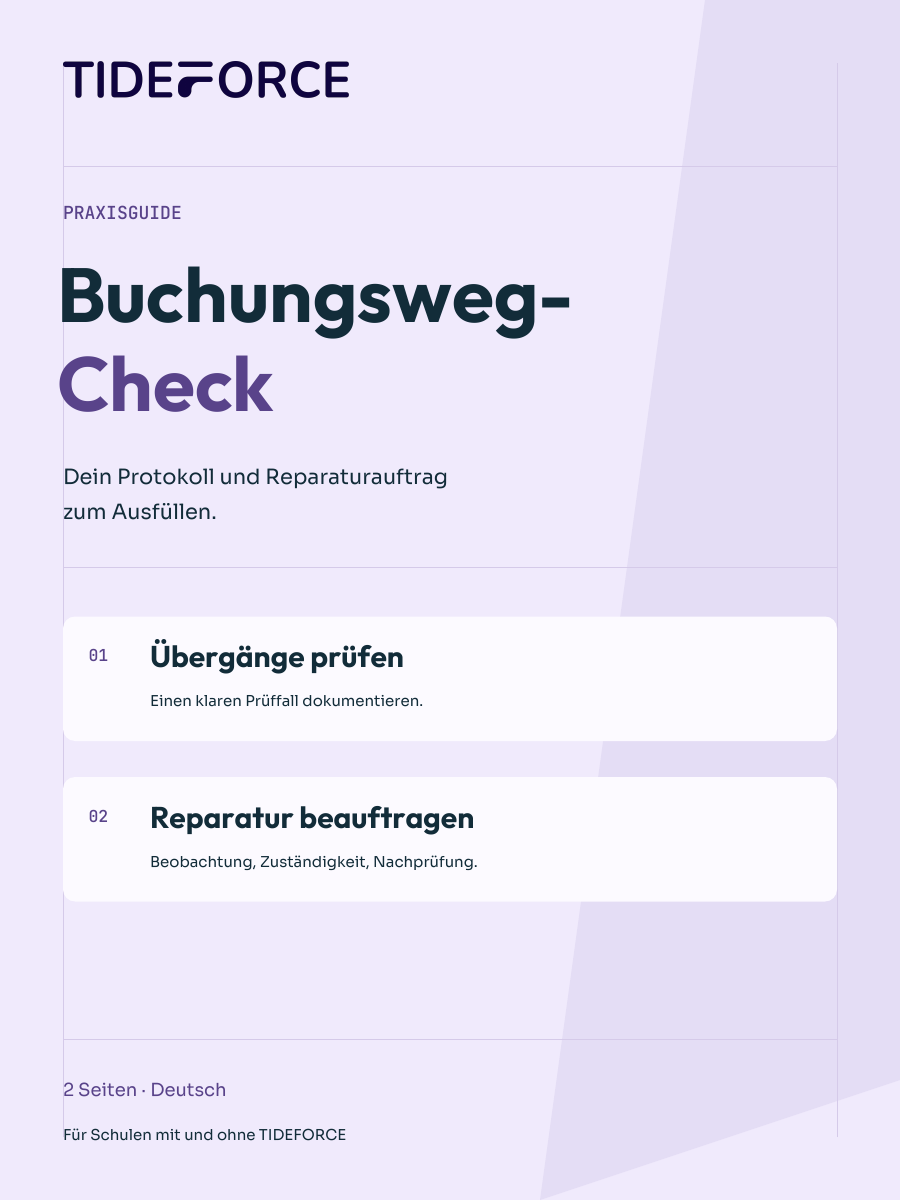
The two-page booking journey checklist contains the fillable transition log and the complete repair brief. Request the free German PDF with your email address. It helps you document the observation clearly and agree on a specific follow-up check with the responsible person.
A useful completion condition is: “After the same steps, both places show the same confirmed participant count.” That is easier to check than “Make booking simpler”.
Repeat exactly this case
After the correction, use the same option and steps. Record the new result. If you cannot reproduce the issue, it remains an open observation; do not invent a cause. A successful pass confirms this particular case, not general error-free operation or a higher booking rate.
Today's output is one reproducible obstacle, an owner and a clear follow-up check. The next challenge step compares payment information in several places for the same offer.
Further reading: Guest-friendly booking: check access and check-in. Its product outlook does not promise availability in your particular setup. For unclear offer information, use the course-page checklist, whose PDF is in German.
Practical knowledge for every watersports school
The booking journey checklist
Record one booking-journey obstacle with the printable worksheets. The two-page German PDF includes a transition log and a repair brief for your follow-up check.
- A transition log for one specific test case
- A repair brief with expected and observed results
- Space for an owner, completion condition and follow-up check
PDF · A4 · 2 pages · German
How does this work at your school?
Bring an everyday task from your school. We’ll show you how it could work in TIDEFORCE.
Request a demo →