
Sell the course and the rest of the visit
Combine courses, clinics, rental, accommodation and extras in one checkout. Staff can take walk-in bookings in the same system rather than maintaining a separate desk list.
For windsurf schools
Manage course bookings and your rental fleet alongside the instructors and sessions at each spot.
At a glance
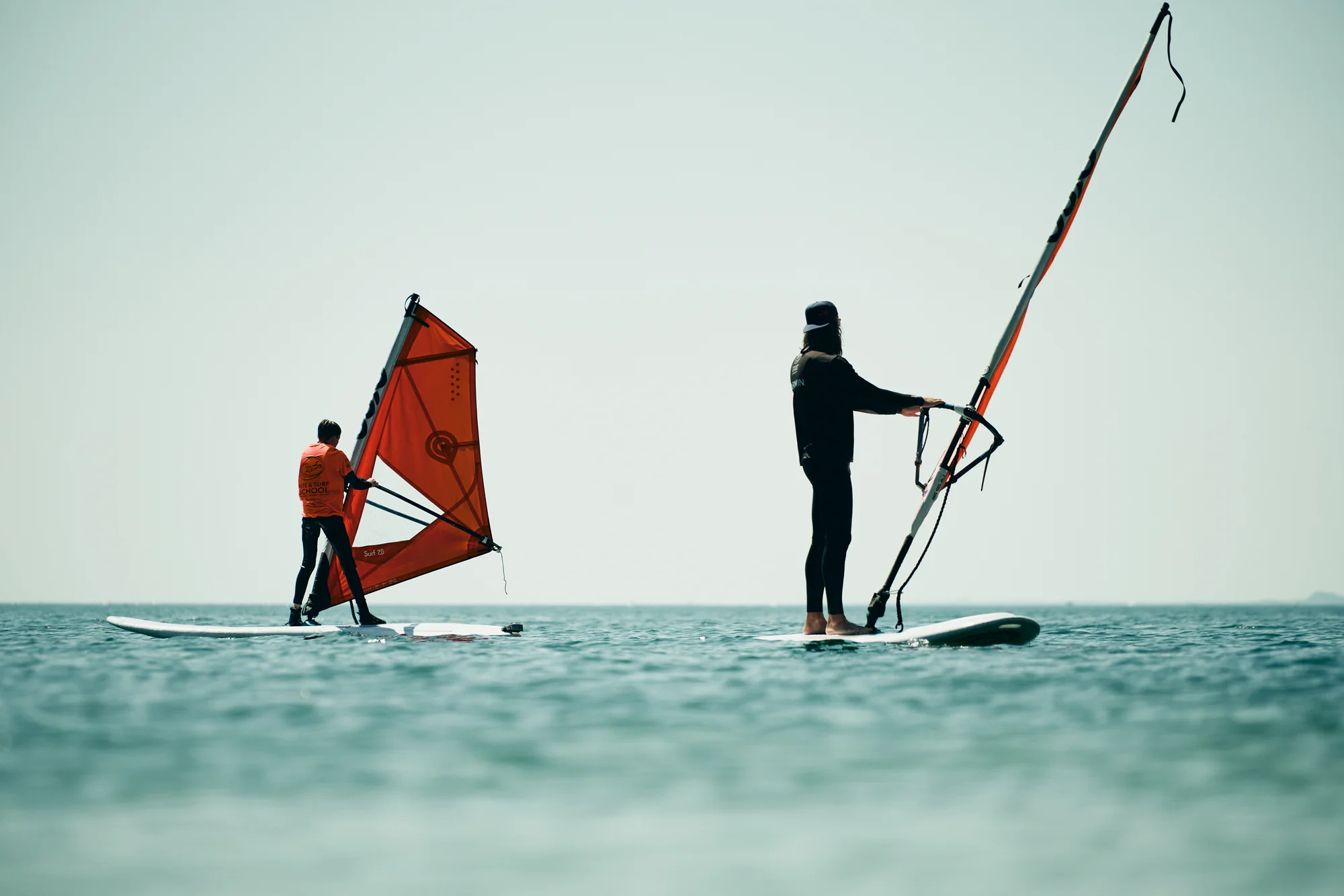
A beginner course and an advanced clinic need different instructors and equipment. At the same time, rental guests are taking boards and rigs out from the same racks. TIDEFORCE connects those bookings with your team’s daily allocation of people and equipment.
Combine courses, clinics, rental, accommodation and extras in one checkout. Staff can take walk-in bookings in the same system rather than maintaining a separate desk list.
Link rental bookings to actual inventory items and assign equipment to sessions. Review recorded usage, condition and location in Inventory Intelligence when deciding what is ready for use.
Group guests manually by level, language, age and skill. Assign instructors and equipment on the whiteboard, then check participants in against the planned session.
Move sessions and reassign staff on the shared timetable. Your team enters the conditions and chooses appropriate equipment; TIDEFORCE does not make weather or teaching decisions.
Use date-based prices and shared Pricing Modes for the relevant activities and locations. Set booking capacity to reflect the offer, then review it against the instructors and gear available.
Instructor reports support pay preparation, while invoices use the connected booking or payment data and require confirmation. For partners taking bookings, use separately configured provider access.
Start with your actual offers, equipment and a representative day. We review that workflow with you, agree the import and setup scope, and confirm costs before launch. Setup and import · Platform prices and optional services.
Dedicated rental security deposits, extensions and overdue workflows are not part of the current rental scope. A checkout part-payment is a different feature. See the full rental scope.
TIDEFORCE supports multiple locations. Configure the relevant offers, prices, equipment and staff access for each location; confirm the setup during onboarding.
We’ll walk through a typical day at your school and discuss the features, setup and costs that matter to you.

We map your real school day first, then show only where TIDEFORCE actually fits.