
The payment choice should suit your offer and be clear to guests. A suitable default starts checkout with the option your school prefers.
Three amounts and one clear next step
Choose a real offer and one specific option. Put the total price, amount due now and remaining balance next to each other. Explain when and how the balance is due. A preselected checkout option does not replace that explanation.
| Item | Fictional school-offer example |
|---|---|
| Total price | €240 for the selected course option. |
| Due now | €80 deposit when booking. |
| Remaining balance | €160, payable by card at reception before the first session. |
This example does not describe TIDEFORCE fees or a universally supported payment method. Use only a payment route your school actually offers for this booking. Check that the amounts still match when the option, participant count or extras change. In this example: €80 + €160 = €240.
Compare the offer, checkout and confirmation
- On the offer page: Can guests tell what the price refers to? A deposit must not look like the total course price.
- In the order summary: Do the selected service, total and payment choice agree? If both are available in your setup, also check switching from a deposit to full payment.
- In the confirmation: Can the guest identify what has been paid and any remaining payment step? Review an existing anonymised confirmation or a suitable test setup without triggering a real booking.
- For the team: Who checks unpaid balances before the course? Where do you record an agreed exception so reception can find it?
Your result: consistent payment information for a real school offer. Ask another person to read it and explain the amount due now and the later step. If they cannot, improve the labels first. Use the course-page check before purchase and the check-in routine for open points on arrival.
Choose a default that suits the offer
With deposit mode enabled, the school can preselect the full amount or the deposit. The amounts available still depend on the configured deposit rule.
Keep the guest’s choice
Where both amounts are permitted, guests can switch to the other option. The amount due now and any remaining balance should be clear.
Check a typical offer on a phone and desktop to confirm that the payment choice matches the booking conditions.
Distinguish payment from a security deposit
A part-payment counts toward the booking price. A security deposit for rental equipment serves a different purpose and belongs to a separate workflow.
See payments and invoicing for the connection between bookings, payments and invoices.
Practical knowledge for every watersports school
Your payment clarity checklist
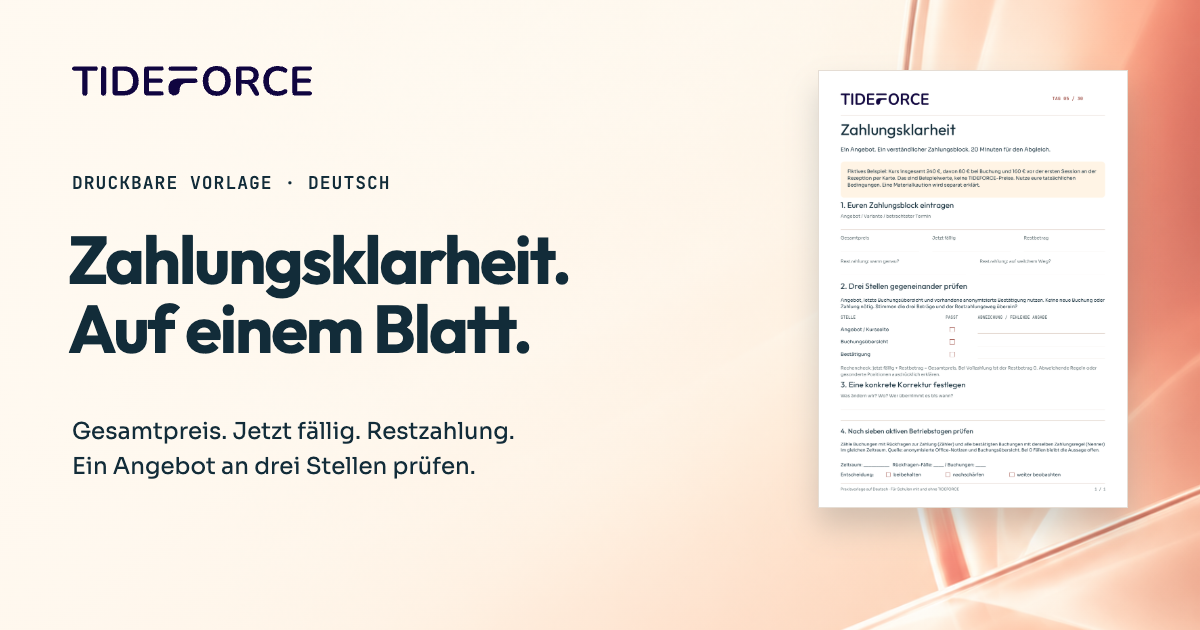
A one-page printable worksheet in German to check the total price, payment due now and remaining balance. Includes an example, a three-step comparison and space for your correction.
- Record total price, payment due now and remaining balance
- Compare the offer, booking summary and confirmation
- Assign one correction and a review date
PDF · A4 · 1 page · German
How does this work at your school?
Bring an everyday task from your school. We’ll show you how it could work in TIDEFORCE.
Request a demo →