
The wind was light. A student achieved less than expected, yet thought the instructor explained everything brilliantly. One overall score would struggle to explain that session. As a school owner, you need the distinction: what could we influence, what worked well and what does this guest need tomorrow?
Daily session feedback makes those differences visible. Keep it short: a few ratings from 1 to 5, a clear link to the attended session and an instructor observation where useful. A suitable digital feedback system handles association and calculation. Your team uses the results to improve teaching, organisation and equipment use.
This article and its companion guide bring together our knowledge from school training, product work and one verified location dataset. You can use the questions, coaching process and seasonal routine whether or not your school uses TIDEFORCE. What matters is a reliable process that fits your activities.
Google reviews do not show the whole school day
Google reviews help prospective guests assess a school. On their own, they do not give you enough detail to manage each day. Not every guest posts publicly. A review of the whole holiday rarely tells you which explanation was missing on Tuesday, which equipment felt wrong on Wednesday or why Thursday went particularly well.
Very positive or very negative experiences can motivate a public review. Without your own evidence, you cannot know how strong that effect is at your school. The practical lesson is to offer an easy feedback route to guests who would otherwise say nothing. An “it was okay, but…” may contain a useful clue for the next session.
Make feedback part of every attended session throughout the season. An integrated software flow links each response to its session. Daily means following attended sessions; cancelled lessons and absent students do not acquire an invented teaching rating.
One documented school training provides a useful observation. The school representative highlighted the simple click-based flow and immediately asked about adding a note. That suggests a useful design principle: make it easy to start, with a way to go deeper when needed. This is an observation from a training session, not a general satisfaction measurement.
Separate five areas
- Knowledge: Did the instructor answer questions clearly and explain the next learning step?
- Communication: Could the student follow explanations, demonstrations and feedback?
- Equipment: How did its condition feel? Did the equipment used suit the person and the task?
- Wind and conditions: How did the student experience the conditions, and did they suit their level and learning goal?
- Organisation: Were meeting points, timing, preparation and the session flow clear?
These are templates for your existing or a new feedback system. Ask one clear question per rating: separate equipment condition from suitability if you need both. Useful instructor report questions include “Which exercise needed a second explanation?” and “What did we adapt because of the conditions?”. Start with questions whose answers will inform a decision.
Keep meanings and scales consistent throughout the season. Mark any question changes so that a different average is not mistaken for a change in quality. Missing and skipped answers stay missing; they are neither three stars nor agreement.
Start now: a questionnaire after each session
To help you try this immediately, page 9 of our free guide contains a complete printable student questionnaire. It covers wind or conditions, organisation, equipment condition, instructor knowledge and communication. Students tick one value from 1 to 5 for each question, with an optional comment for a specific observation. You do not need a TIDEFORCE account.
- Prepare: fill in the school, date, course or time and instructor. This keeps each sheet linked to the right session.
- Hand out after the session: explain the scale from 1 = very poor to 5 = very good. Students rate only the session they have just attended. Leave questions blank if they cannot be assessed.
- Use before the next session: collect sheets by session and identify useful follow-up questions, briefing changes or equipment checks. Blank answers are not middle ratings.
The paper form is a simple way to start and find out which questions help your school. Collection, association and analysis remain manual work. When you want to use feedback every day throughout the season, an integrated digital process can take over those recurring steps.
A practical example: light wind, strong teaching
Fictional example: A kite student rates the wind 2 out of 5, instructor knowledge 5, communication 5 and equipment condition 4. The instructor report records an alternative exercise chosen because of light wind. The student had expected longer rides.
First check expectations: did the briefing explain what was realistic and why the alternative exercise mattered? A clearer briefing may be the next action. The instructor’s strong explanations remain a strength worth recognising and sharing.
If several students in the same session report similar conditions, that adds context. If only one person struggled, ask about their level, equipment and expectations. Both patterns invite a conversation; neither alone proves a cause.
Connect student feedback and instructor reports meaningfully
The instructor report records the session, attendance, captured skill levels and observations. The student rating adds the experience of that session. A difference can be useful: the instructor felt an explanation worked, while several beginners found it too fast. That gives the next briefing a concrete question to address.
Look for four things in your digital process: responses belong to the right session; student and instructor perspectives remain distinct; averages come with response counts; periods and questions are clearly labelled. Compare perspectives directly only when the question and scale mean the same thing. An instructor self-assessment is different from a student rating of that instructor’s communication.
First check whether your existing tool meets these requirements. Configure the process once and let the software associate and calculate recorded responses. Your team can then focus on follow-up questions, teaching and improvements. A form without session context collects answers but does not yet provide a reliable comparison.
Find strong methods and share them across the team
Positive feedback is learning material too. When comparable beginner sessions repeatedly produce helpful comments about an instructor’s explanations, observe the method: how do they start the briefing, break down an exercise and check understanding? A strong individual becomes a model for a specific teaching practice.
- Select one strength: use repeated feedback and direct observation, such as particularly clear beginner briefings.
- Teach together: pair an experienced instructor with a less experienced colleague for an appropriate session. Agree in advance what to observe and practise.
- Debrief briefly: identify what the experienced instructor did differently and which explanation the colleague can use.
- Check the next session: the colleague tries the method independently. Review relevant student answers and the team’s observation afterwards.
Keep comparisons fair. Response counts, languages, course levels, group size and conditions matter. Five difficult beginner-session responses are not a fair comparison with fifty relaxed advanced-session responses. Use the evidence for coaching and recognition; one low rating is not a personnel verdict.
This connects a feedback signal directly to shared practice. Your own school must assess how quickly team performance changes. Feedback makes development observable; it does not replace training or professional supervision.
Turn feedback into better operational decisions
- Repeated confusion before the start: check meeting-point information and the briefing. Try a clearer explanation before adding another organisational step.
- Repeated equipment criticism: separate condition, fit and selection. Check the specific equipment and how it was used. A larger purchase does not automatically solve poor fit.
- Repeatedly helpful explanations: plan a joint session for onboarding. Record the useful method so it stays with the team when staff change.
For each change, record the original signal, what you will change by when, and which comparable sessions will help you review its effect. Feedback then informs a decision, and the next review checks that decision.
A real view of seasonal use
A location dataset checked on 21 October 2026 contains 193 distinct student-session responses and 303 team reports for sessions from May to September. The team reports include two theory reports. The location is anonymised here; customer names and personal comments are not published.
The 193 responses come from 196 stored customer ratings, grouped by person, team and session day. All 196 records contain the five core ratings. This counts responses about sessions, not 193 different guests. It is not a response rate: that would require a verified denominator of all eligible attended participant-sessions.
The example shows what can accumulate over several months. It does not establish satisfaction across all schools or a particular performance improvement. The transferable method is to ask repeatedly, understand differences, agree on an action and check its effect in daily work.
Keep a rhythm throughout the season
- After each session: students give short ratings and instructors add their observations. Your chosen system links the inputs and prepares the results.
- Before the next session: use the results for a follow-up question, a clearer briefing or an equipment check.
- Weekly with the team: choose one recurring problem and one proven method. Agree on an improvement or a joint teaching session.
- Monthly and at season end: review comparable periods with their response counts. Use repeated patterns for onboarding, briefings and equipment planning.
Check the denominator when reading the results. “Guests who answer at least once” and “attendances with a response” are different measures. A guest with five sessions and one rating has been reached, but four attendances still lack feedback. Let your system prepare the available data and check which question each metric actually answers.
Start with one activity and stable core questions. After two weeks, check whether responses belong to the correct session and what specific improvement followed. If it works, extend the process to other activities. Established schools can use the same check to find gaps in their existing routine.
Turn the questionnaire into a digital process with TIDEFORCE
TIDEFORCE is one example of an integrated process: students are guided through 1-to-5 ratings for wind, organisation, equipment condition, instructor knowledge and communication. Browser-based feedback does not require app use. The app flow also supports ratings of individual assigned equipment items.
Mobile feedback fits more easily into everyday life: students can rate a session digitally without carrying a sheet or returning it to the school office. Mobile access makes participation more flexible and can lower the effort needed to respond. Measure response coverage as rated attendances divided by actual attended sessions, comparing similar courses before and after the change. This shows how well your chosen feedback process works in practice.
Instructors document the session in their report, which can include custom questions. TIDEFORCE links recorded responses and calculates averages, response counts and daily trends. Knowledge and communication are shown per instructor. Shared rating dimensions, such as wind, can be compared across student and instructor perspectives with values, differences and counts.
TIDEFORCE handles association and calculation, removing paper transcription and manual calculation of recorded ratings. Configure the process for your school once: students give short ratings, instructors complete their reports, and the team uses the results for specific improvements. Detail in an individual session report depends on role: office and higher roles can inspect individual responses, while instructors and trainees see the aggregated instructor rating and response count. The methods in this article also work with another suitable system.
Make practical knowledge useful to other schools
A school does not have to invent every good method itself. Experience from teaching, equipment use and guest communication becomes valuable when the process behind it can be shared clearly. That is why we create these articles and guides: to help new schools establish useful routines and existing schools improve their operations.
A better light-wind briefing or a joint teaching session for a new instructor can travel between schools. Each team still needs to check whether the method works at its spot, in its languages and for its guests. Learning across schools needs that context.
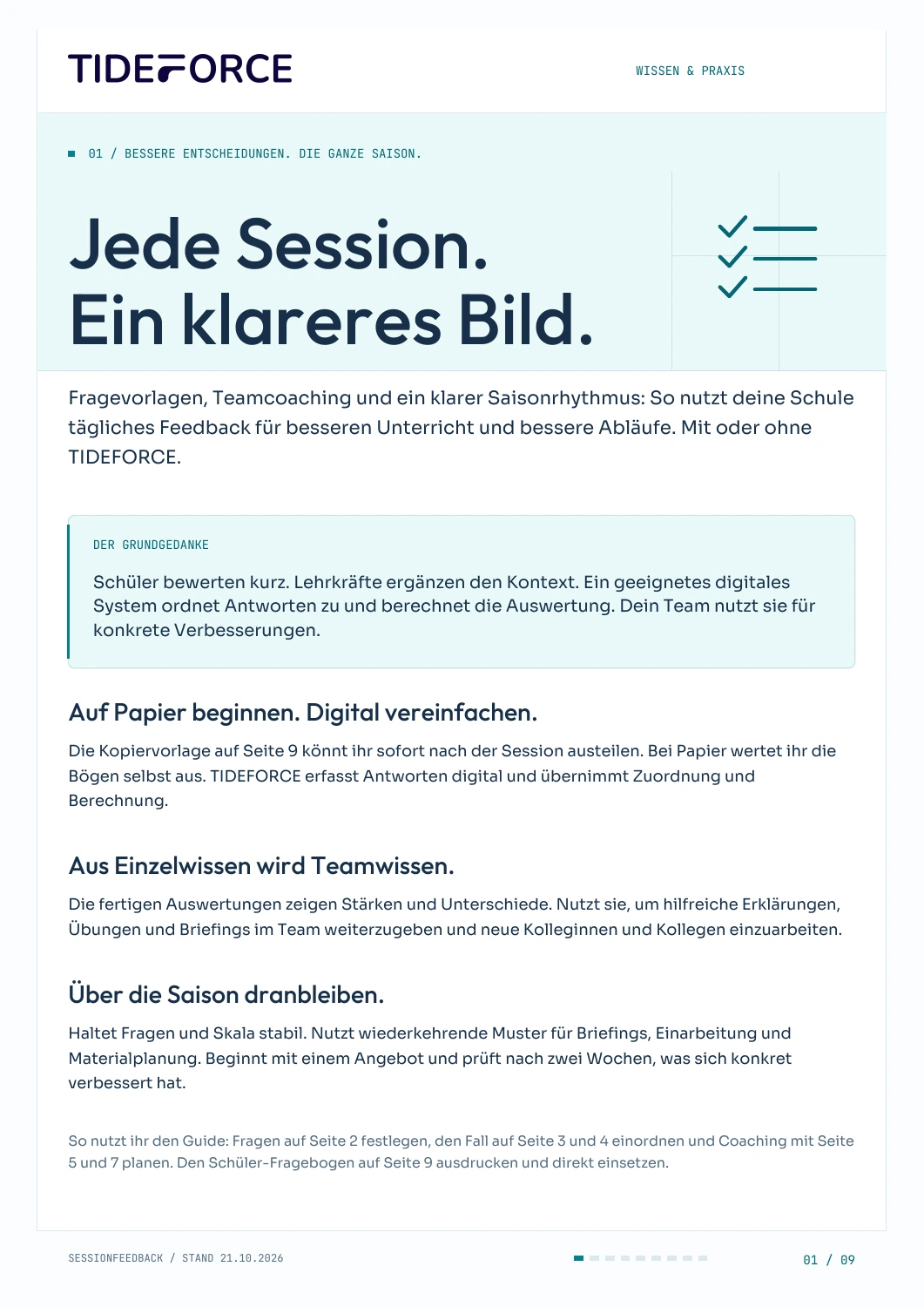
The free nine-page session feedback guide, in German, includes question templates, a practical case, a comparison check, a coaching process, seasonal metrics and an action sheet. Page 9 adds a ready-to-print student questionnaire with 1-to-5 tick boxes. Print this page separately and start after your next session. Enter your email address to download the PDF directly and receive it as an email attachment, without a newsletter subscription. The templates work with or without TIDEFORCE; this article also explains how to simplify the process digitally.
Practical knowledge for every watersports school
Every session. A clearer picture.
Start after your next session with the ready-to-print student questionnaire: collect 1-to-5 ratings and use the feedback. We also show how to simplify the process digitally, whether or not you already use TIDEFORCE.
- Student questionnaire with five questions and tick boxes
- Coaching process and action sheet for your team
- 14-day plan for starting on paper or using a digital process
9 pages · PDF · German language · Questionnaire on page 9
How does this work at your school?
Bring an everyday task from your school. We’ll show you how it could work in TIDEFORCE.
Request a demo →