
One Platform, Many Roles
TIDEFORCE connects owners, station managers, instructors, front desk teams and guests in one outdoor sports school operating platform.
Read full articleAn outdoor sports school is not run by one person.
Owners, station managers, front desk teams, instructors, rental staff, providers and guests all interact with the operation.
Each role needs different information.
TIDEFORCE connects the school without forcing everyone into the same view.
Owners need visibility
Owners need to understand how the business performs.
They care about bookings, revenue, operations, instructor performance, reviews, rentals, open payments, equipment and growth opportunities.
Station managers need control
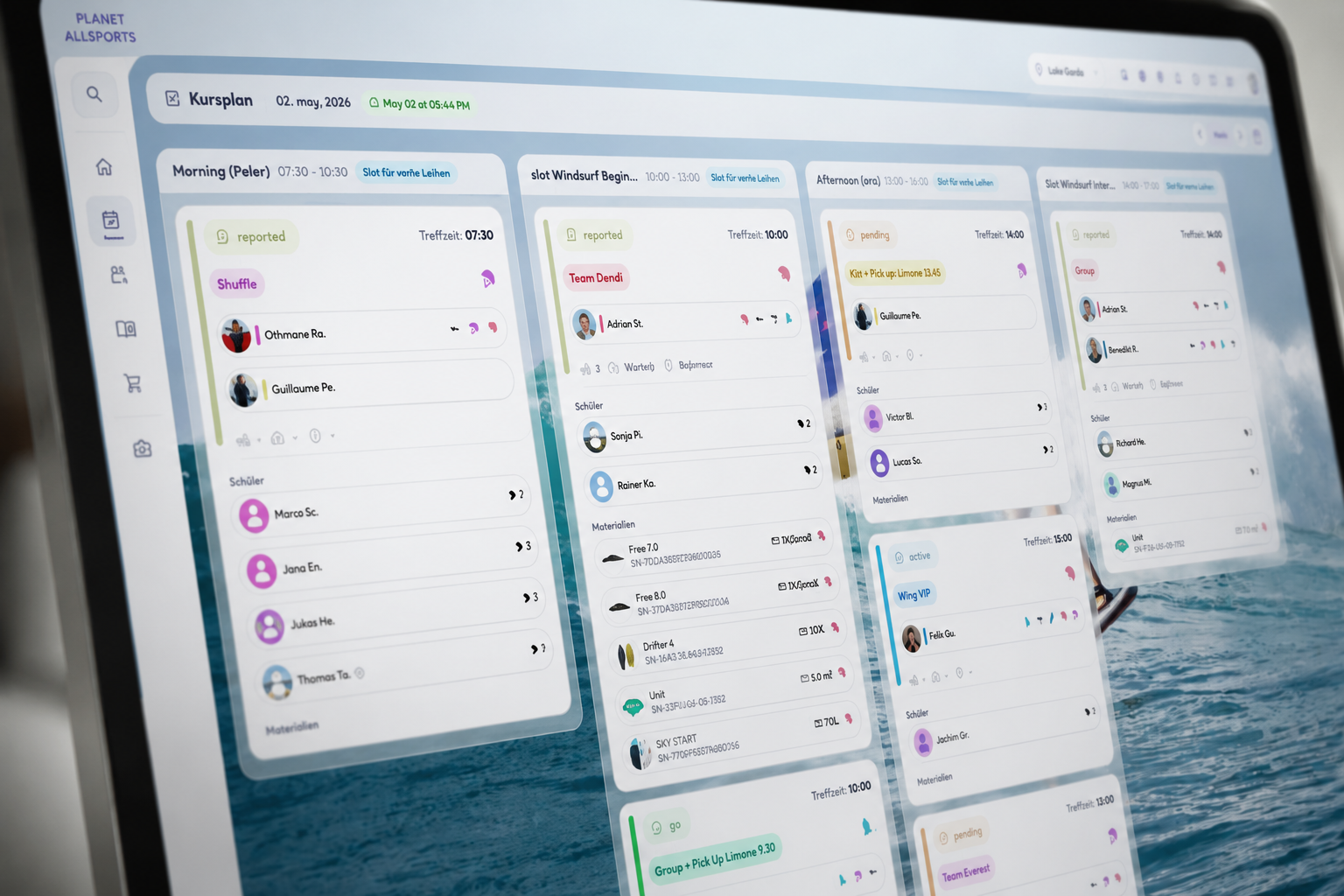
Station managers need to run the day.
They need to see bookings, groups, instructors, rentals, check-in status, payments, equipment and operational changes.
Instructors need clarity
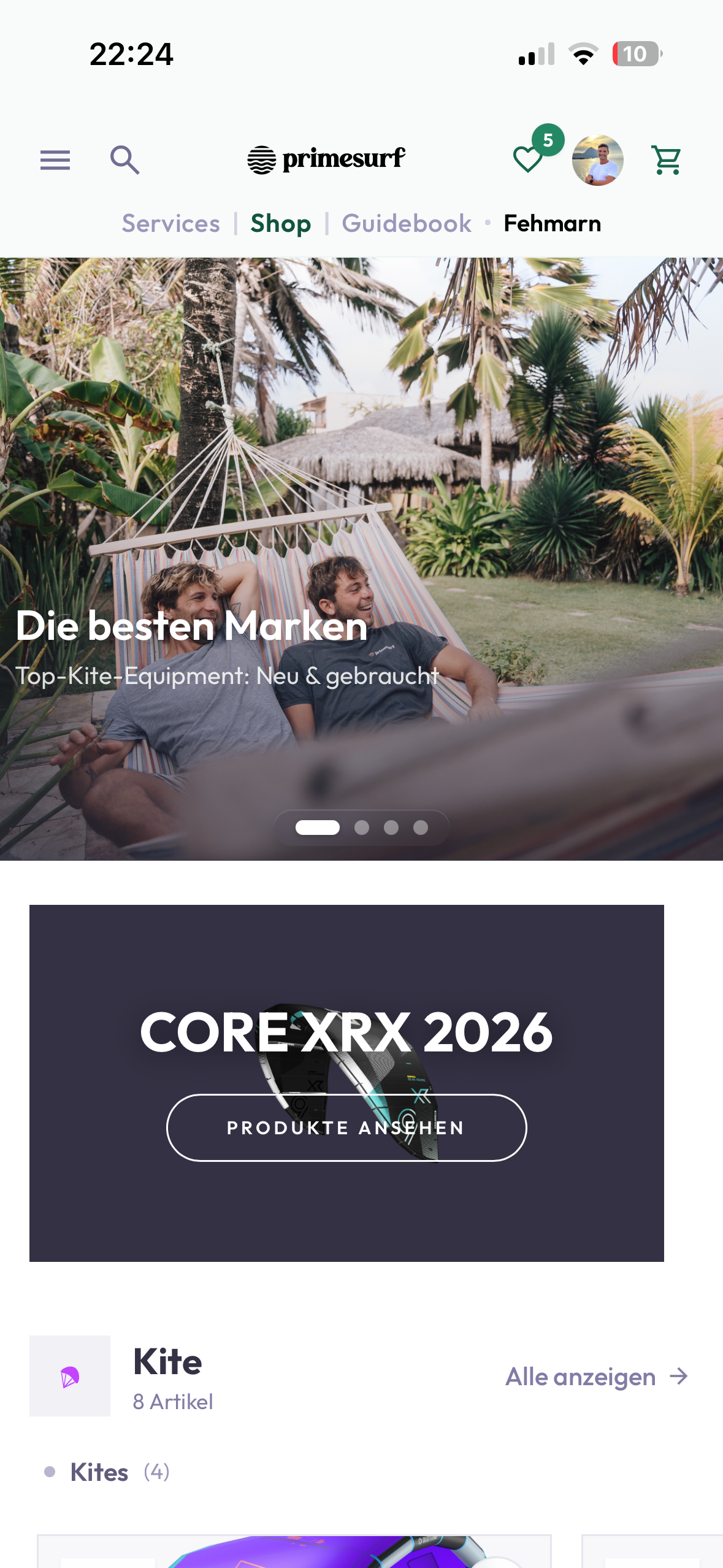
Instructors need to know who they teach, what level the students have, where to meet, what happened before, what to report and what needs follow-up.
Front desk teams need speed
Front desk teams need to handle arrivals, walk-ins, payments, questions, rentals, add-ons and changes.
They need speed, not complexity.
Guests need simple access
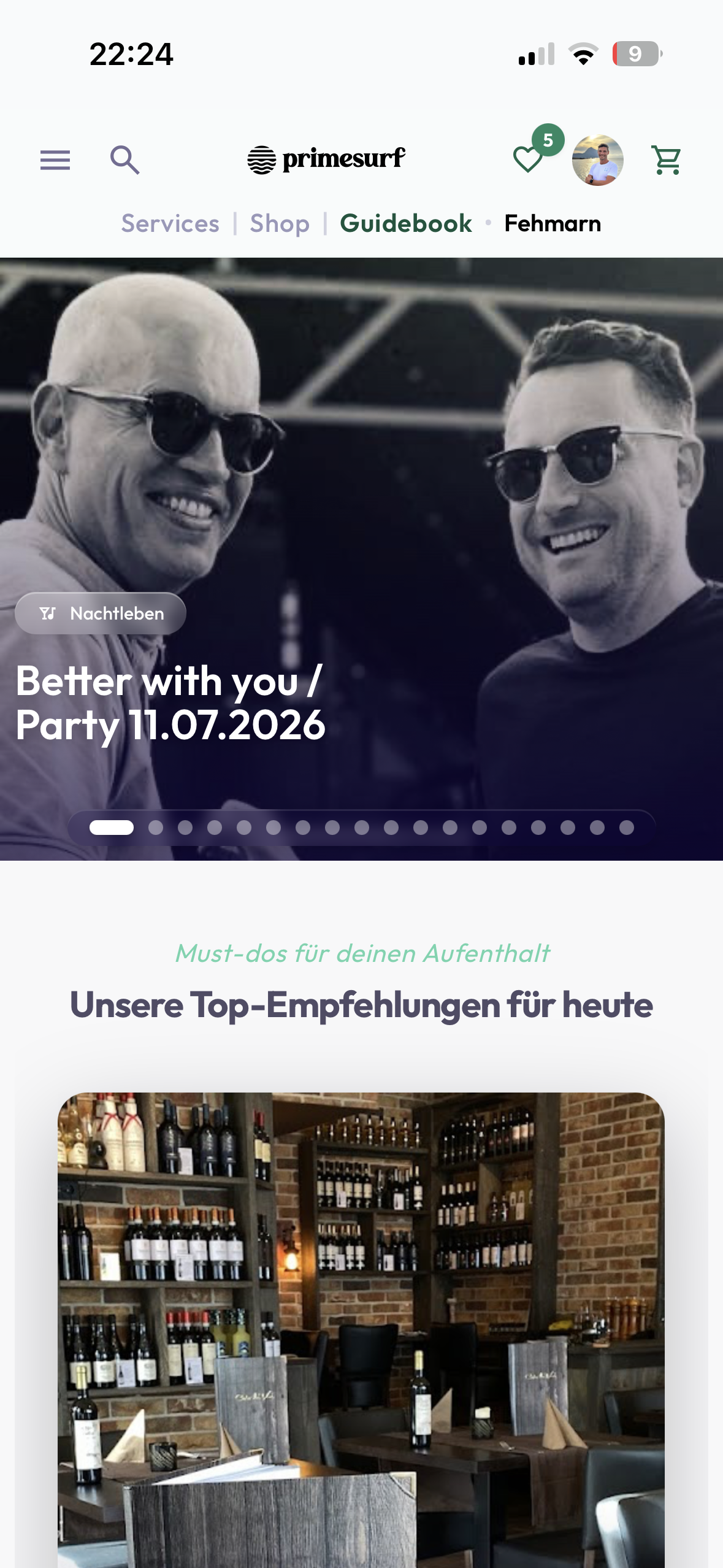
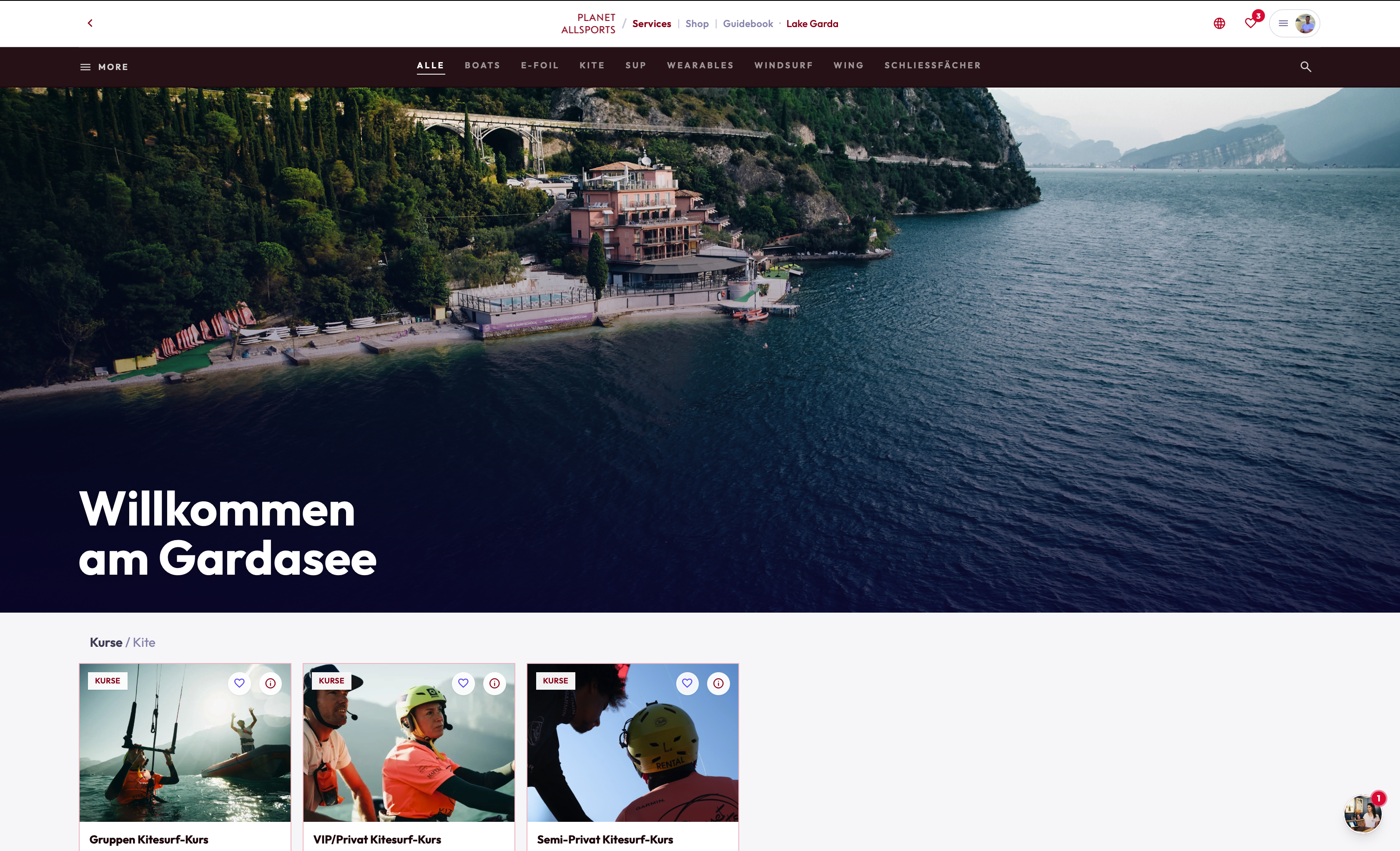
Guests need clear information without unnecessary friction.
The target experience is simple:
No student has to log in. Every student can log in.
Conclusion
A good operating system connects many roles without creating more work.
TIDEFORCE helps every part of the school work from the same connected reality.
01Who uses TIDEFORCE inside an outdoor sports school?
+
An outdoor sports school is not run by one person. Owners, station managers, front desk teams, instructors, rental staff, providers and guests all interact with the operation, and each role needs different information.
02What do owners and station managers get from the platform?
+
Owners get visibility into how the business performs across bookings, revenue, operations, instructor performance, reviews, rentals, open payments, equipment and growth opportunities. Station managers get the control they need to run the day, seeing bookings, groups, instructors, rentals, check-in status, payments, equipment and operational changes.
03How does TIDEFORCE help instructors and front desk teams?
+
Instructors get clarity on who they teach, what level the students have, where to meet, what happened before, what to report and what needs follow-up. Front desk teams get speed, not complexity, for arrivals, walk-ins, payments, questions, rentals, add-ons and changes.
04Do guests have to create an account?
+
The target experience is simple: no student has to log in, and every student can log in. Guests get clear information without unnecessary friction.
05Does everyone see the same screen?
+
No. TIDEFORCE connects the school without forcing everyone into the same view, so each role works from the same connected reality with the information that matters to them.
See how TIDEFORCE fits your school
In a short demo, we'll walk through your real workflows: services, booking, planning, team, guests, inventory, guidebook and shop.