
Pricing & Capacity
Core capabilitySet seasonal prices per activity and location, reuse shared price tables across products, and cap capacity per slot, activity, day and season
Operational effectyour calendar matches how the season really works.
Read context →
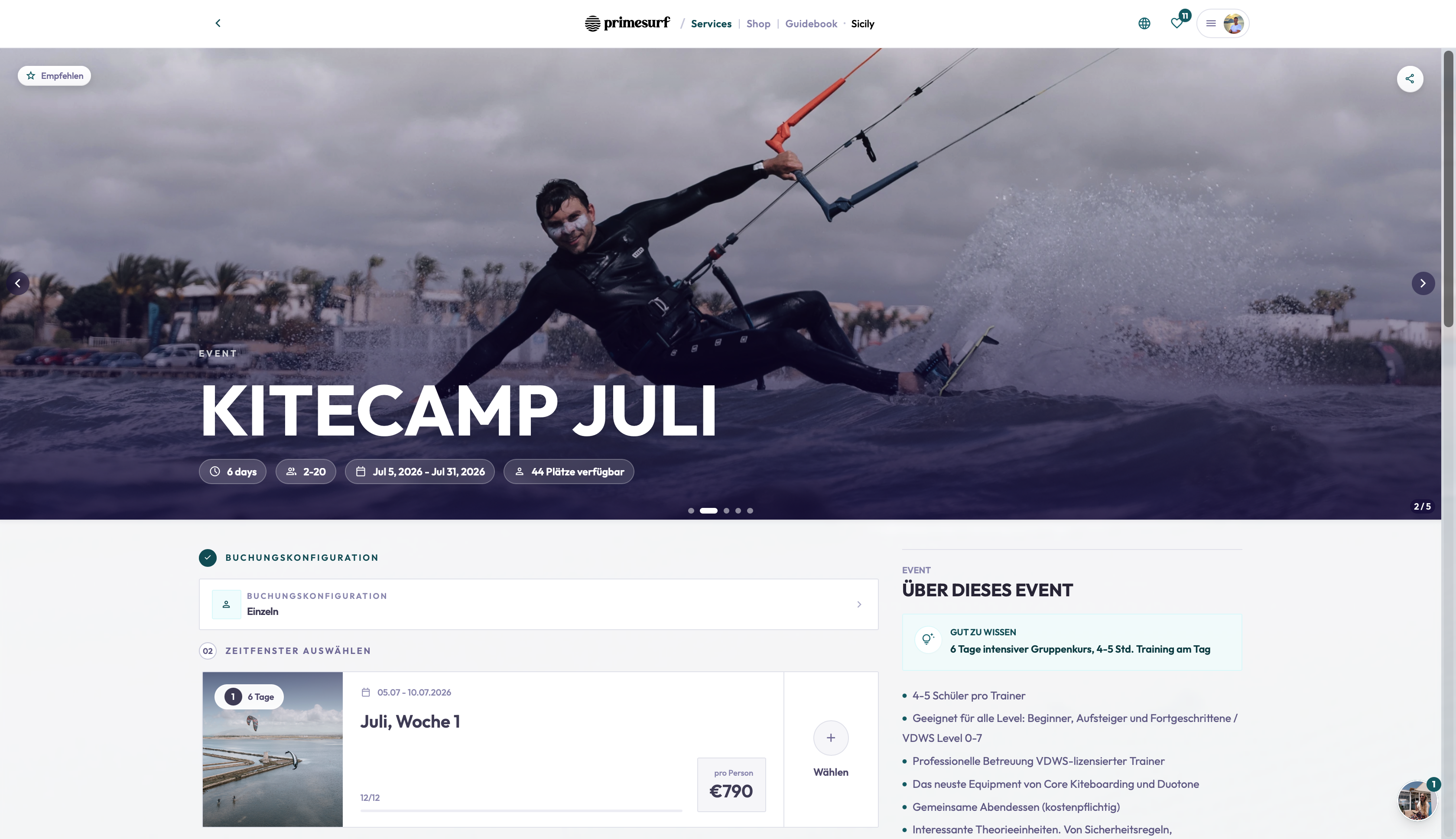
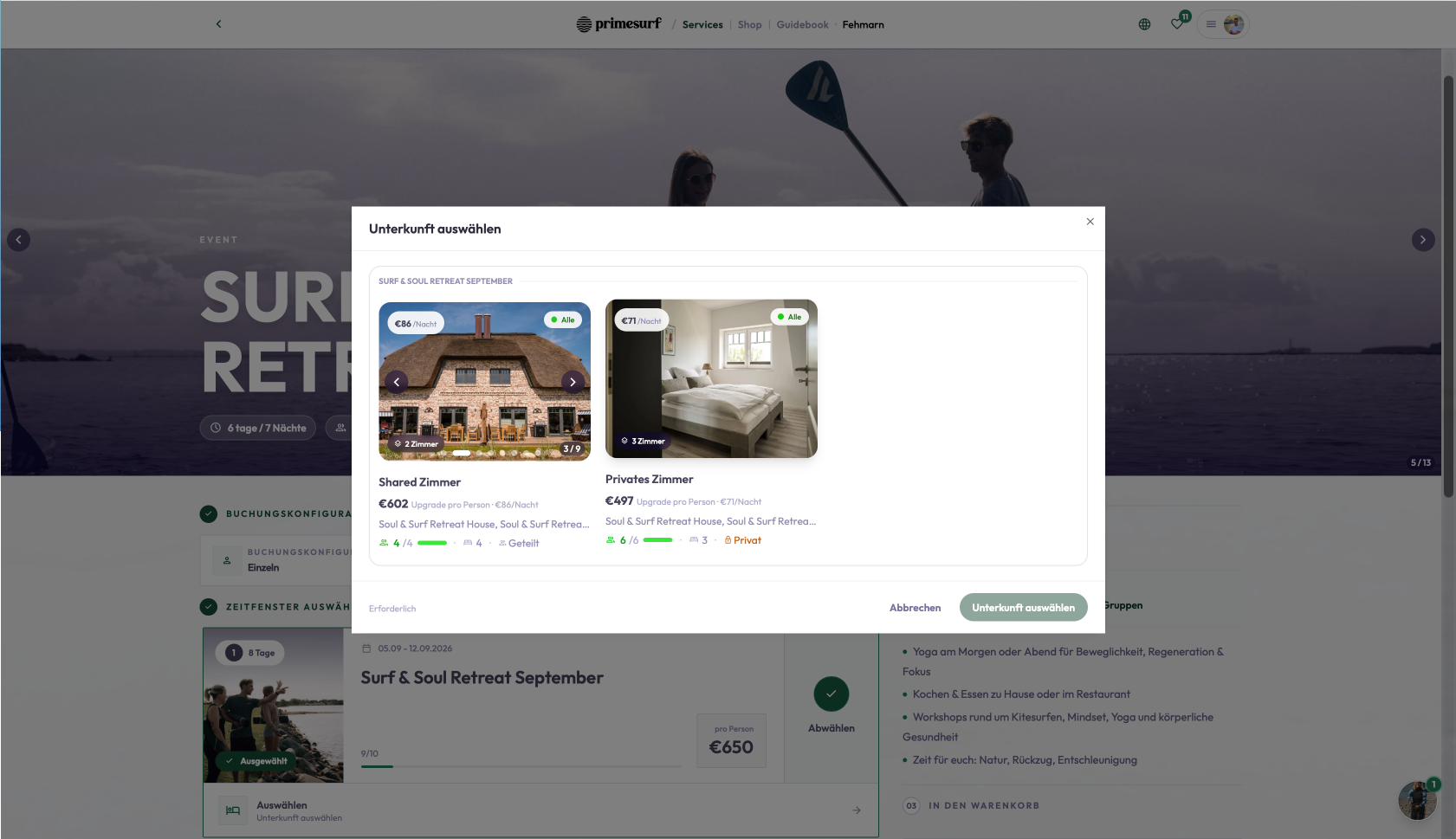
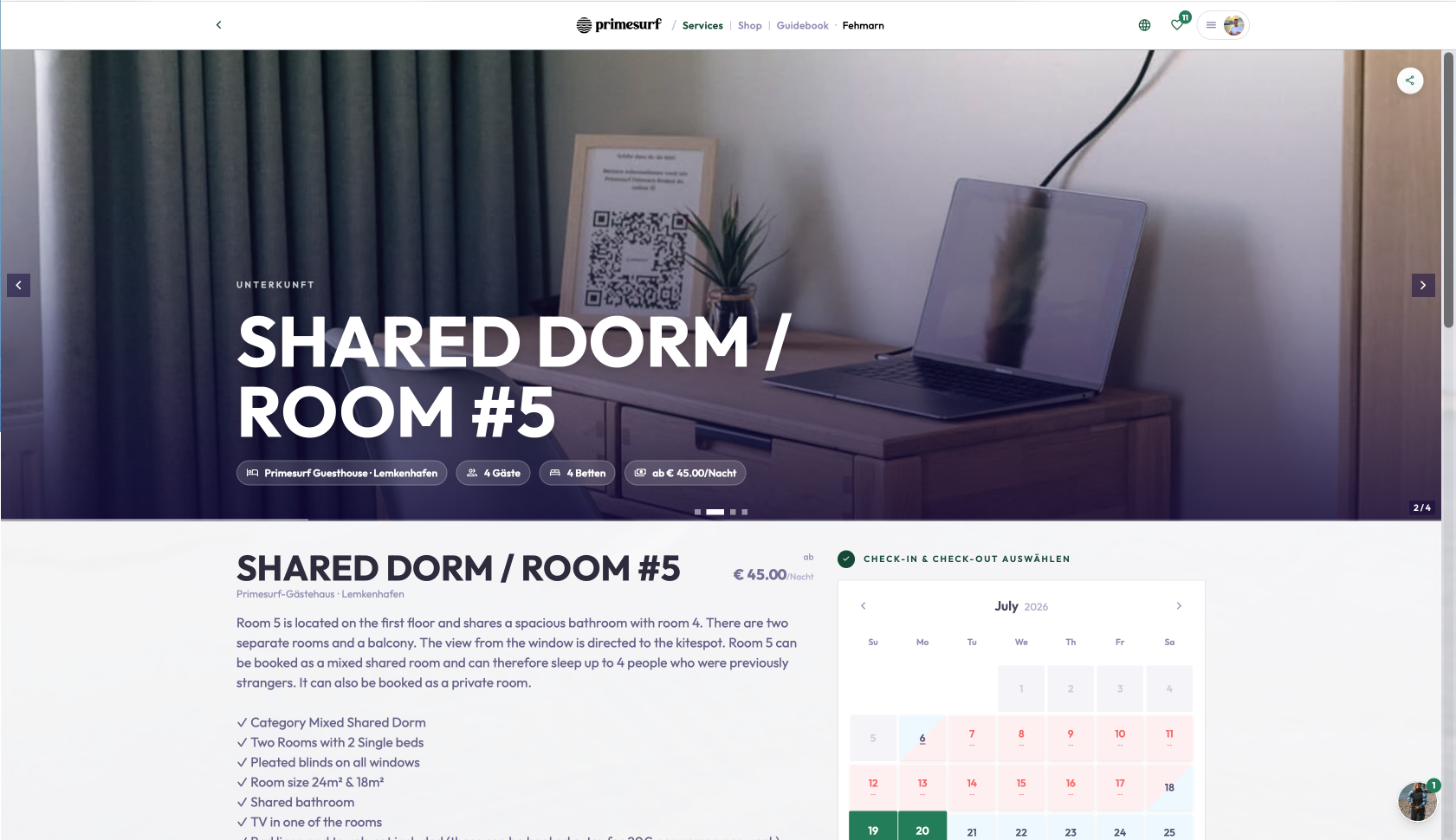
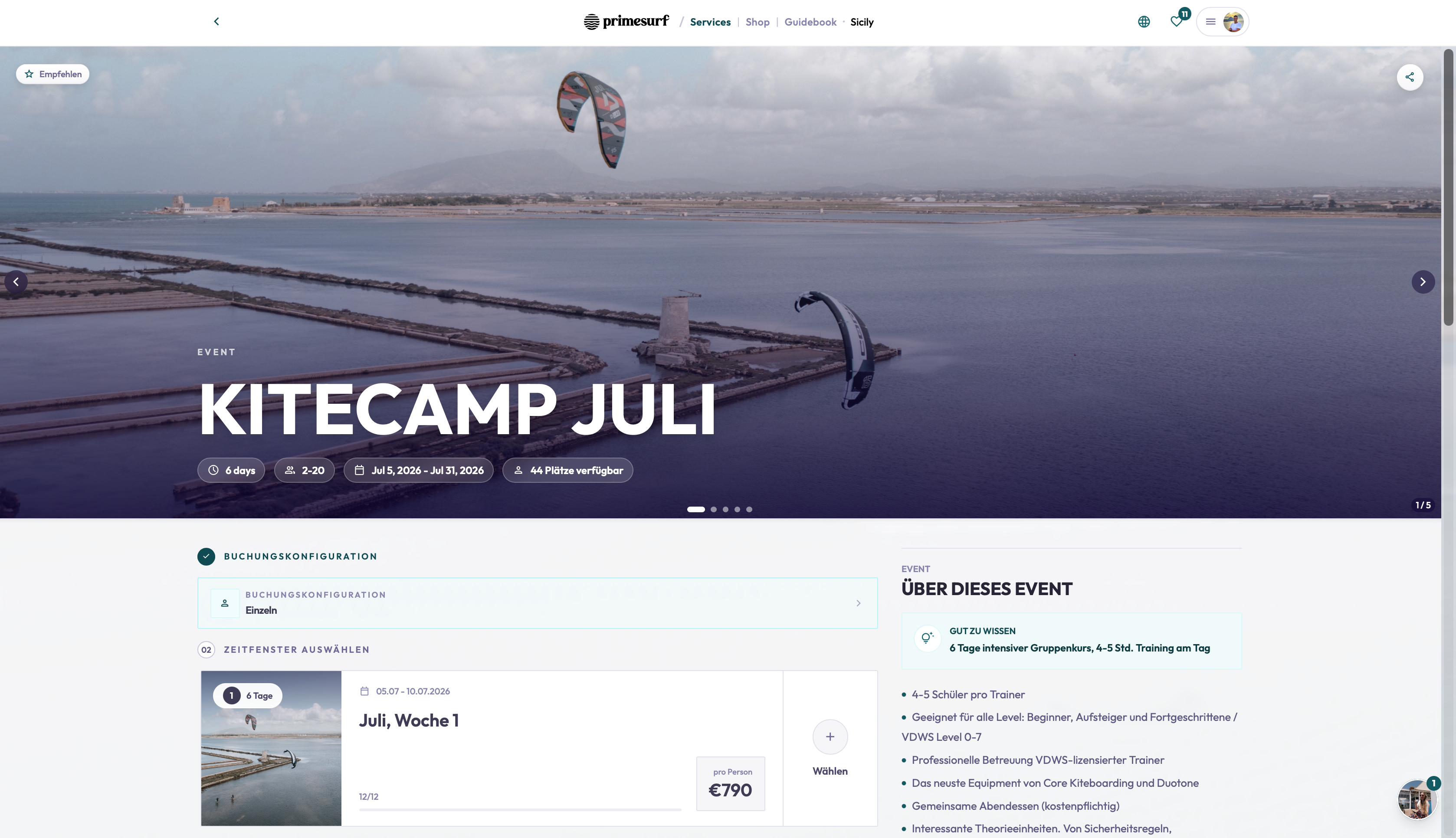
A sports school doesn't charge one flat price all year, and it doesn't run one activity at one capacity. High season costs more than the shoulder weeks. A beginner kite course and a guided downwind tour fill up at different rates on the same day. A second location prices differently from the first. TIDEFORCE lets you describe all of that directly — seasonal pricing by date range, per activity and per location, shared Pricing Modes so you update once and apply across products, and capacity set at the level that matters: the slot, the activity, the day or the whole season.
What it does
Seasonal pricing per activity and location
Define high, mid and low season as date rangesPricing is per activity and per locationRead moreRead less→
Define high, mid and low season as date ranges, then set prices that follow the calendar. Pricing is per activity and per location, so a course can cost one thing in July and another in October, and your second site can run its own rates — without you editing every product by hand when the season turns.
Pricing Modes — shared price tables
Pricing Modes are shared price tables you build once and apply across productsChange a rate in the table and it updates everywhere that table is usedRead moreRead less→
Pricing Modes are shared price tables you build once and apply across products. Change a rate in the table and it updates everywhere that table is used, so a season-wide adjustment is one edit instead of dozens. It keeps related products consistent and makes pricing changes auditable rather than scattered.
Capacity per slot, activity, day and season
Set how many people fit where it countsCap a single slot, a whole activity, a day or a seasonRead moreRead less→
Set how many people fit where it counts. Cap a single slot, a whole activity, a day or a season — and run several activities on the same day at different limits. A beginner group, a private lesson and a rental block can each carry their own capacity, so the calendar reflects what you can actually staff and equip.
Pricing you control — not demand-based guesswork
TIDEFORCE does not do demand-based or dynamic pricingPrices change because you set a season, a location or a Pricing ModeRead moreRead less→
TIDEFORCE does not do demand-based or dynamic pricing. Prices change because you set a season, a location or a Pricing Mode — never because an algorithm decided to surge. What a customer sees is what you chose, and you can explain every number on the page.
How it fits together
Read status →
| Set this | At this level | So that |
|---|---|---|
| Seasonal pricing | Date range, per activity, per location | Prices follow high, mid and low season automatically across sites |
| Pricing Modes | Shared price table across products | You update a rate once and it applies everywhere that table is used |
| Capacity | Per slot, activity, day and season | Several activities a day can each carry their own limit |
Frequently asked questions
01Can I set different prices for high, mid and low season?
+
Yes. You define each season as a date range and set the price for it. Seasonal pricing is per activity and per location, so the same course can carry different rates by season and by site without editing each product by hand.
02What are Pricing Modes?
+
Pricing Modes are shared price tables you build once and apply across products. When you change a rate in the table, it updates everywhere that table is used — so a season-wide change is a single edit instead of one per product.
03Can different activities on the same day have different capacities?
+
Yes. Capacity can be set per slot, per activity, per day and per season, and you can run several activities on the same day at different limits — a beginner group, a private lesson and a rental block can each carry their own capacity.
04Does TIDEFORCE do demand-based or dynamic pricing?
+
No. There is no demand-based or surge pricing. Prices change only because you set a season, a location or a Pricing Mode. What the customer sees is the price you chose, and you can explain every number.
05Does pricing work across multiple locations?
+
Yes. Seasonal pricing is per location, so each site can run its own rates while sharing Pricing Modes where it makes sense to keep products consistent across the school.
See how TIDEFORCE fits your school
In a short demo, we'll walk through your real workflows: services, booking, planning, team, guests, inventory, guidebook and shop.

We map your real school day first, then show only where TIDEFORCE actually fits.