
Operations & Planning
Core capabilityTIDEFORCE gives your school a real-time whiteboard where sessions, groups, instructors, equipment and check-in all live together
Operational effectthe plan stays straight no matter how the day moves.
Read context →
On a busy day an outdoor sports school is a moving target. Conditions change, groups need reshuffling, an instructor calls in, a course fills up and the right boards or boards-and-harnesses have to be where the right people are. When that lives across a whiteboard on the wall, a spreadsheet and a group chat, the plan drifts the moment something moves.
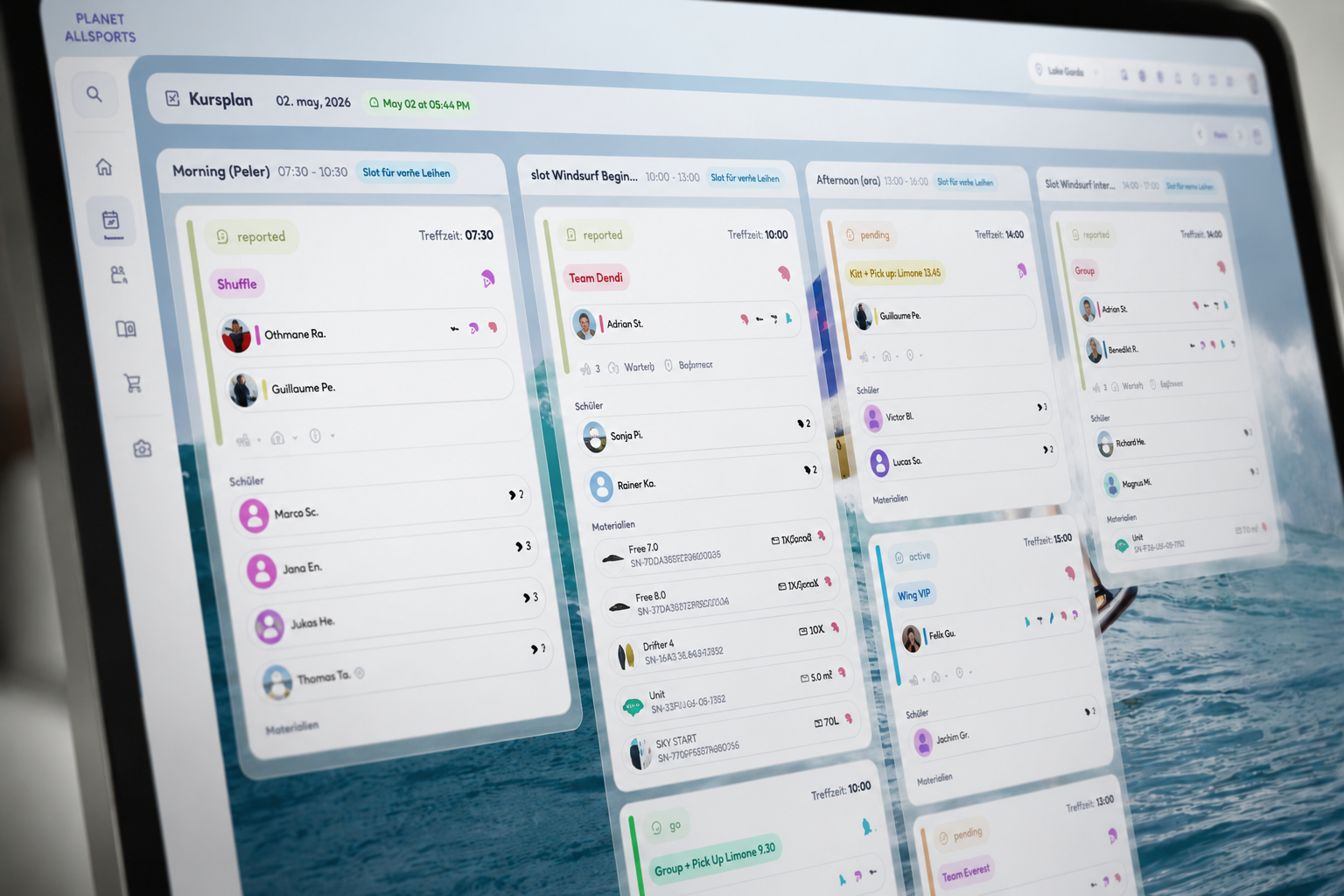
Operations & Planning is the part of TIDEFORCE where the day actually runs. It is a real-time whiteboard and timetable that connects the bookings your customers made to the sessions, groups, instructors and equipment that have to happen on the ground — so everyone working the day sees the same plan, updated as it changes.
What it does
A real-time whiteboard and timetable
The whiteboard is the live picture of your dayYou see every session and slot on a timetableRead moreRead less→
The whiteboard is the live picture of your day. You see every session and slot on a timetable, drag things around when the plan changes, and everyone working sees the same board update at once. When conditions shift, you enter the wind and the call yourself — TIDEFORCE keeps the plan straight, it does not make the decision for you.
Instructor allocation
Assign the right instructor to each session and groupIf you have to reallocate mid-dayRead moreRead less→
Assign the right instructor to each session and group, respecting the ratios your activity needs. If you have to reallocate mid-day — someone is out, a group splits, a level changes — you move the assignment on the board and the people working the day see it immediately.
Student grouping by language, level, age and skill
Mixed groups are the normYou split students into the right groups by language, level, age and skill with manual drag-and-dropRead moreRead less→
Mixed groups are the norm. You split students into the right groups by language, level, age and skill with manual drag-and-drop, so a German-speaking beginner and an advanced guest end up where they belong. Grouping is hands-on by design today — automatic student and instructor matching is on our roadmap, not something the product does for you yet.
Equipment and material assignment
Attach the material a group will useboards, suits, kites, harnessesRead moreRead less→
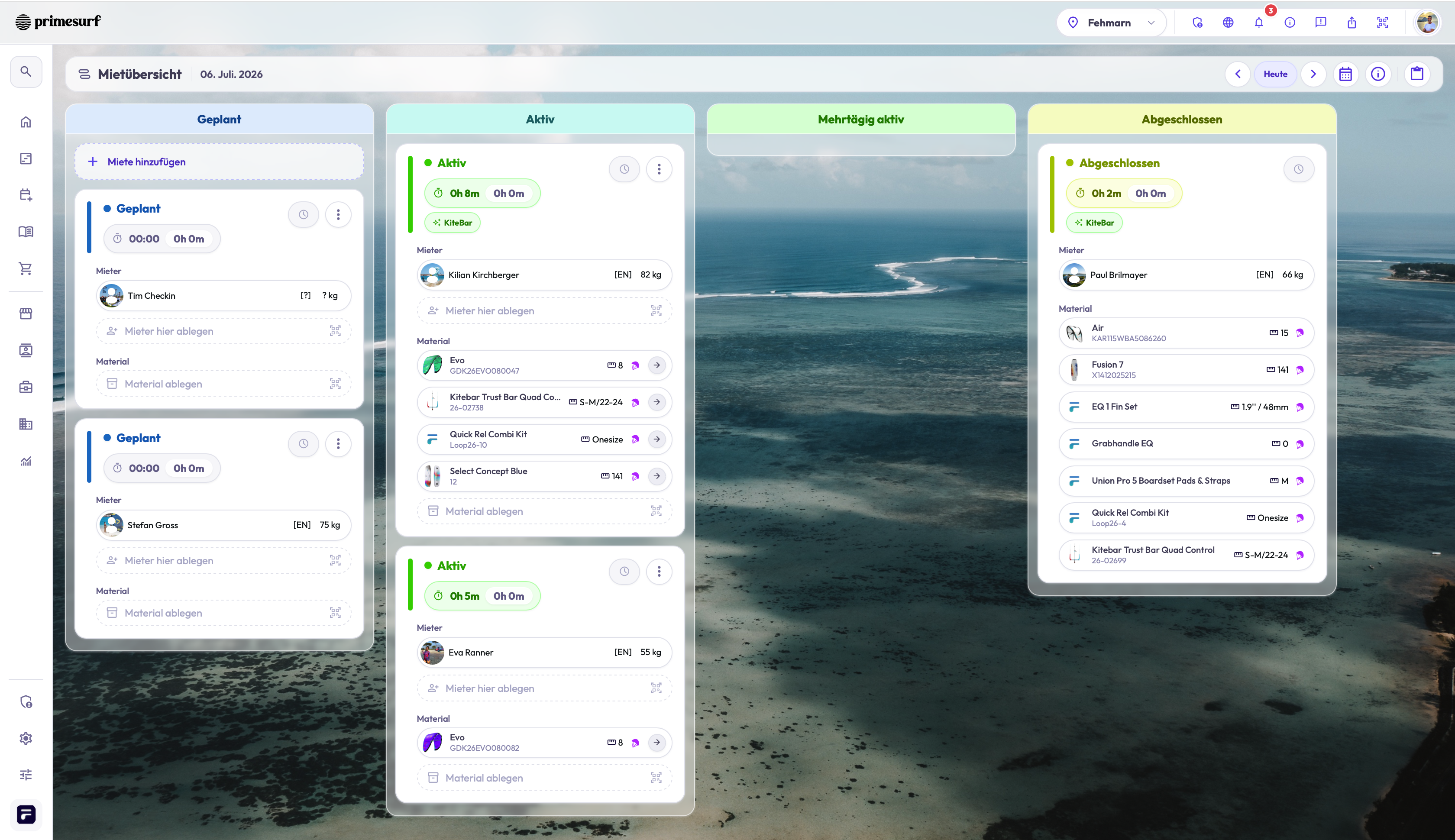
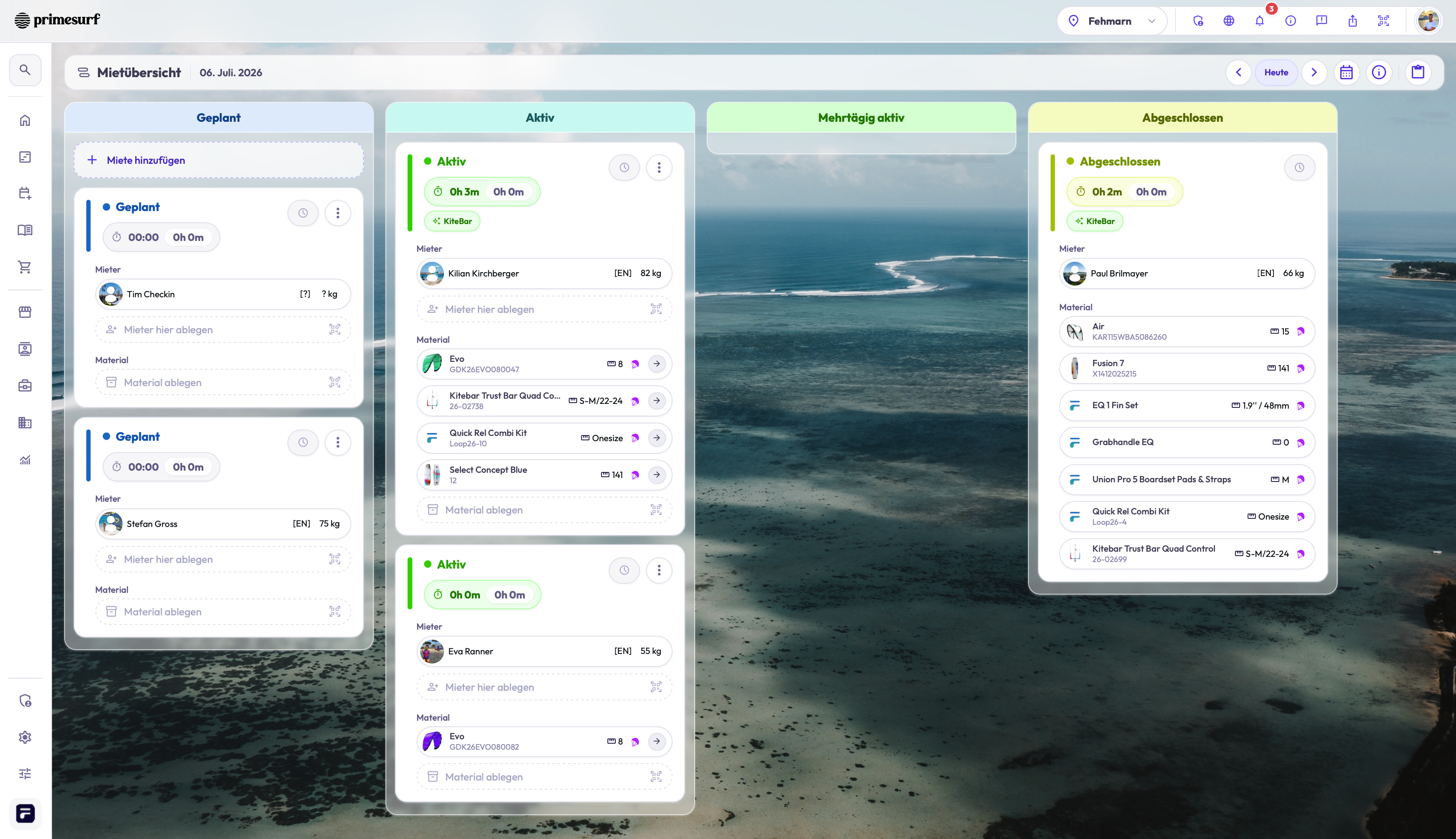
Attach the material a group will use — boards, suits, kites, harnesses — to the session, so the gear is planned alongside the people, not sorted out separately at the racks. Equipment ties back to your inventory, and material intelligence (usage hours, condition and location for each item) is available in Beta.
Check-in and multi-location
When people arrive, your team checks them in against the sessionyou can see who is present before you head outRead moreRead less→
When people arrive, your team checks them in against the session, so you can see who is present before you head out. If you run more than one base, you get operational visibility across every location instead of a separate board per site. QR ticket with one-tap check-in is (rolling out).
Read status →
The recap
Read details →
| The operations reality | How TIDEFORCE handles it |
|---|---|
| The day keeps moving | Real-time whiteboard and timetable — drag sessions, everyone sees the update at once |
| The right coach on the right group | Instructor allocation per session, reallocate mid-day on the board |
| Mixed-level, multi-language guests | Manual grouping by language, level, age and skill |
| Gear planned with the people | Equipment and material assignment tied to inventory; condition and location in Beta |
| Knowing who actually showed up | Check-in against the session; QR one-tap check-in rolling out |
| More than one base | Operational visibility across every location |
Operations & Planning sits on the same connected data as your bookings, so what a customer booked online and what happens on the ground are one record, not two systems you reconcile by hand. Pricing is a take-rate of 6.9% per processed transaction, payment fees included, with no setup or monthly fee. Hosting is in the EU on Google Cloud, GDPR-compliant, and your data stays yours. You can go live with your core setup fast, with guided onboarding.
Frequently asked questions
01Does the whiteboard update for everyone in real time?
+
Yes. The whiteboard and timetable are the live picture of the day. When you drag a session, regroup students or reallocate an instructor, everyone working the day sees the same board update at once.
02Can I group students by level and language?
+
Yes. You split students into groups by language, level, age and skill with manual drag-and-drop. Grouping is hands-on by design — automatic student and instructor matching is on our roadmap, not in the product today.
03How does instructor allocation work?
+
You assign an instructor to each session and group, respecting your ratios, and you can reallocate mid-day directly on the board. Everyone working the day sees the change immediately.
04Can I plan the equipment alongside the sessions?
+
Yes. You attach the material a group will use to the session, tied back to your inventory. Material intelligence — usage hours, condition and location per item — is available in Beta.
05Does TIDEFORCE pull in weather automatically?
+
No. Wind and conditions are entered by your team, so you keep control of the call. Weather-station and webcam integrations are on the roadmap, not in the product today.
06Does it work across more than one location?
+
Yes. If you run more than one base you get operational visibility across every location, rather than a separate disconnected board for each site.
See how TIDEFORCE fits your school
In a short demo, we'll walk through your real workflows: services, booking, planning, team, guests, inventory, guidebook and shop.

We map your real school day first, then show only where TIDEFORCE actually fits.