
How to Choose the Best Booking Software for an Outdoor Sports School
A practical checklist to choose booking software for an outdoor sports school across booking, operations, rentals, invoices and guest experience.
Read full articleChoosing booking software is not just a technical decision.
It affects your customer experience, your team, your operations, your payments, your rentals, your instructors, your inventory and your ability to grow direct bookings.
Use this checklist before choosing a system.
1. Can it sell everything your school offers?
Look for support for:
- courses,
- private lessons,
- rentals,
- tours,
- events,
- camps,
- shuttles,
- accommodations,
- storage,
- vouchers,
- shop products,
- add-ons,
- walk-ins,
- and packages.
If the system only handles simple appointments, it may not fit your school long term.
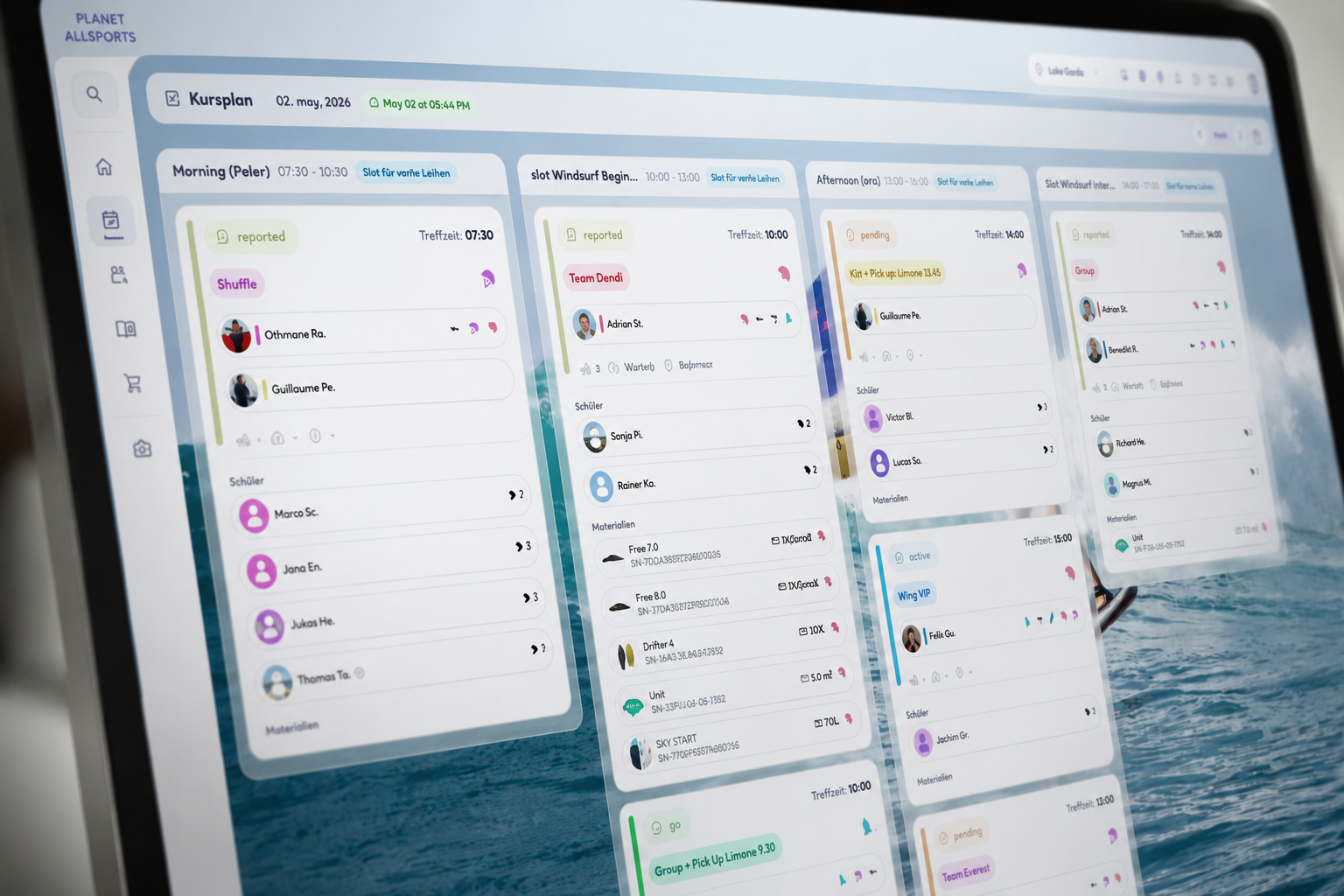
2. Can it handle outdoor sports capacity?
Your system should support:
- activities,
- time slots,
- seasonal rules,
- capacity per activity,
- capacity per slot,
- instructor availability,
- equipment limits,
- and weather-dependent changes.
3. Can it connect booking to operations?
Ask whether the system supports:
- student grouping,
- level matching,
- language matching,
- instructor assignment,
- equipment assignment,
- check-in,
- attendance,
- reports,
- and payroll.
4. Can it manage rentals and inventory?
Look for:
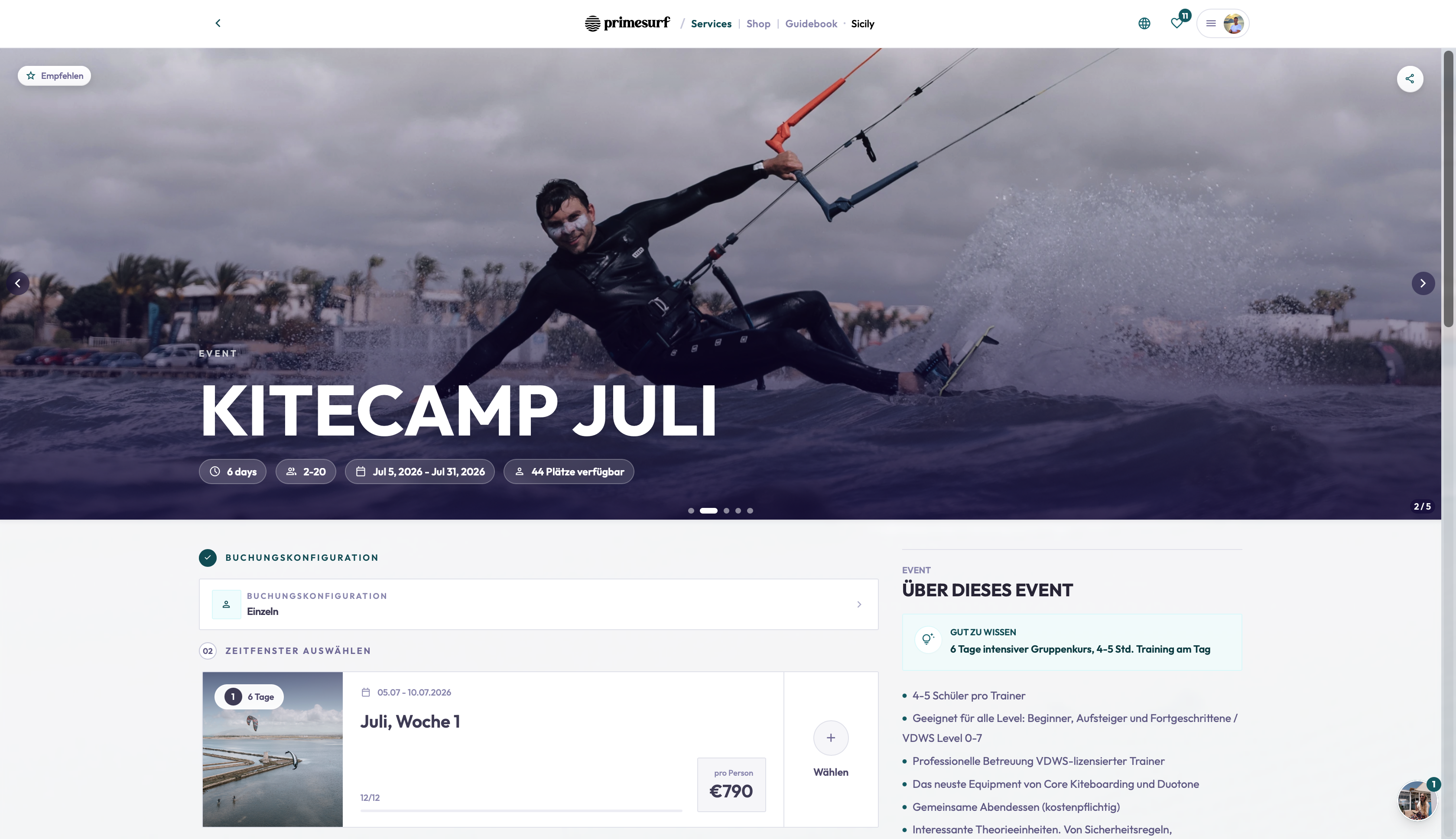
- rental dashboard,
- specific item booking,
- rental price categories,
- deposits,
- damages,
- extensions,
- returns,
- material hours,
- location tracking,
- condition history,
- and storage management.
5. Can it improve the guest journey?
The best system should support:
- mobile booking,
- email communication,
- secure booking access,
- guidebook content,
- meeting point information,
- preparation instructions,
- QR check-in,
- review requests,
- and rebooking offers.
6. Can it reduce back-office work?
Check for:
- payments,
- open payment tracking,
- invoice creation from bookings or payments,
- provider workflows,
- refunds,
- vouchers,
- reporting,
- and export options.
7. Can it help you grow?
Look for:
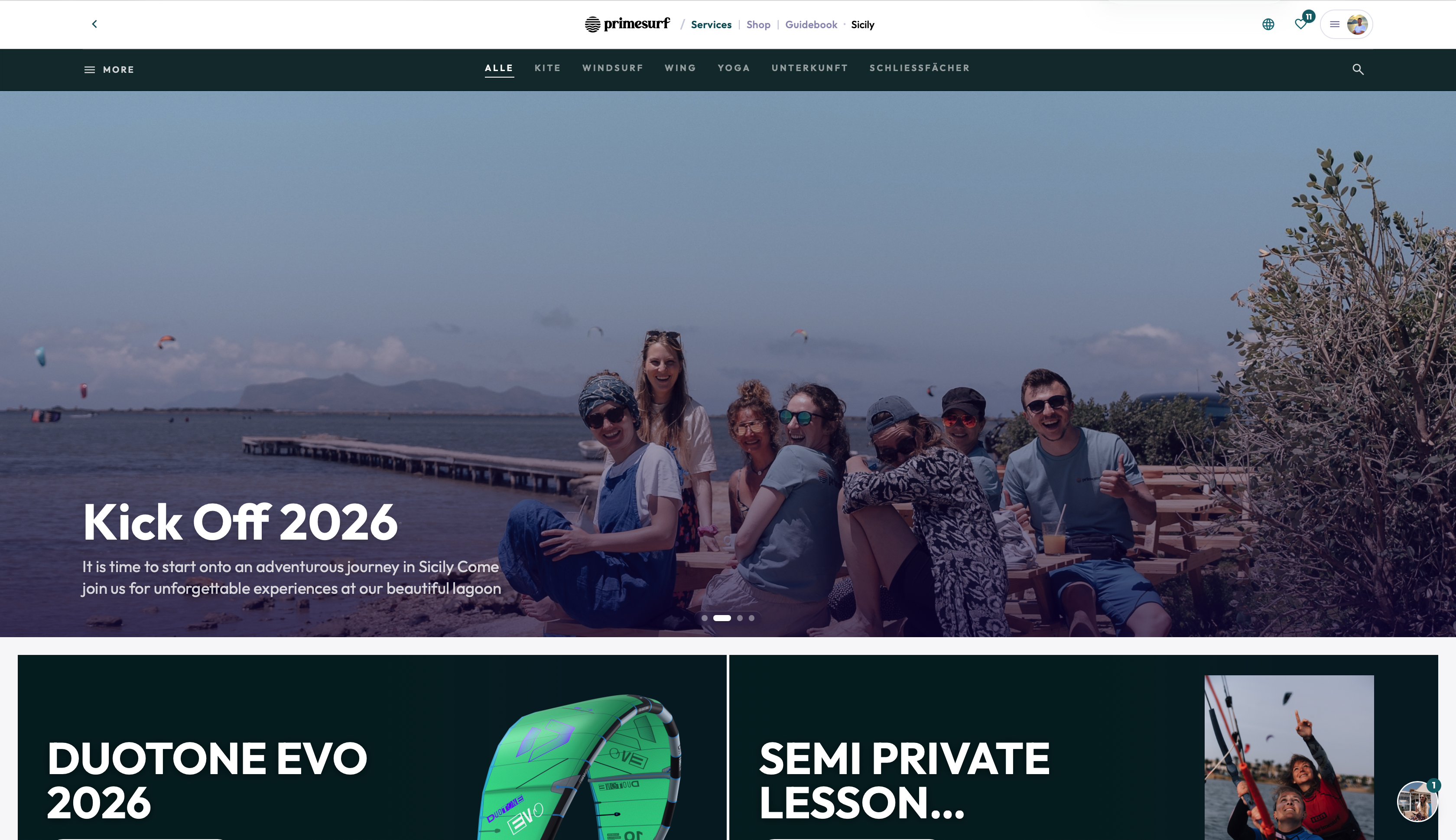
- booking funnel insights,
- course performance,
- reviews,
- instructor performance,
- customer segmentation,
- rebooking,
- shop connection,
- and material-based commerce opportunities.
8. Can you switch quickly?
Ask about:
- import,
- setup time,
- guided onboarding,
- AI-assisted setup,
- live preview,
- pricing modes,
- and launch support.
TIDEFORCE as the benchmark
TIDEFORCE is built around these requirements because outdoor sports schools need more than booking software.
They need a commerce and operations platform.
Conclusion
The best booking software for an outdoor sports school is the system that understands the business behind the booking.
Use this checklist to compare your options.
If the system cannot connect bookings, operations, rentals, inventory, invoices and guest experience, it may not be enough.
01What should booking software for an outdoor sports school be able to sell?
+
Look for support across courses, private lessons, rentals, tours, events, camps, shuttles, accommodations, storage, vouchers, shop products, add-ons, walk-ins and packages. If a system only handles simple appointments, it may not fit your school long term.
02Why does a system need to connect booking to operations?
+
Outdoor sports schools need student grouping, level and language matching, instructor and equipment assignment, check-in, attendance, reports and payroll. The booking should connect to how the school actually runs each day.
03What rental and inventory features should I check for?
+
Look for a rental dashboard, specific item booking, rental price categories, deposits, damages, extensions, returns, material hours, location tracking, condition history and storage management.
04How fast should switching booking systems be?
+
Ask about import, setup time, guided onboarding, AI-assisted setup, live preview, pricing modes and launch support so you can switch quickly without rebuilding everything.
05Is TIDEFORCE a marketplace?
+
No. TIDEFORCE is not marketplace-first — it helps each school build and run its own direct digital business under its own brand.

See how TIDEFORCE fits your school
In a short demo, we'll walk through your real workflows: services, booking, planning, team, guests, inventory, guidebook and shop.